The legitimate alternative · open-resource quizzes
Study smarter on Canvas LMS.
Get the edge.
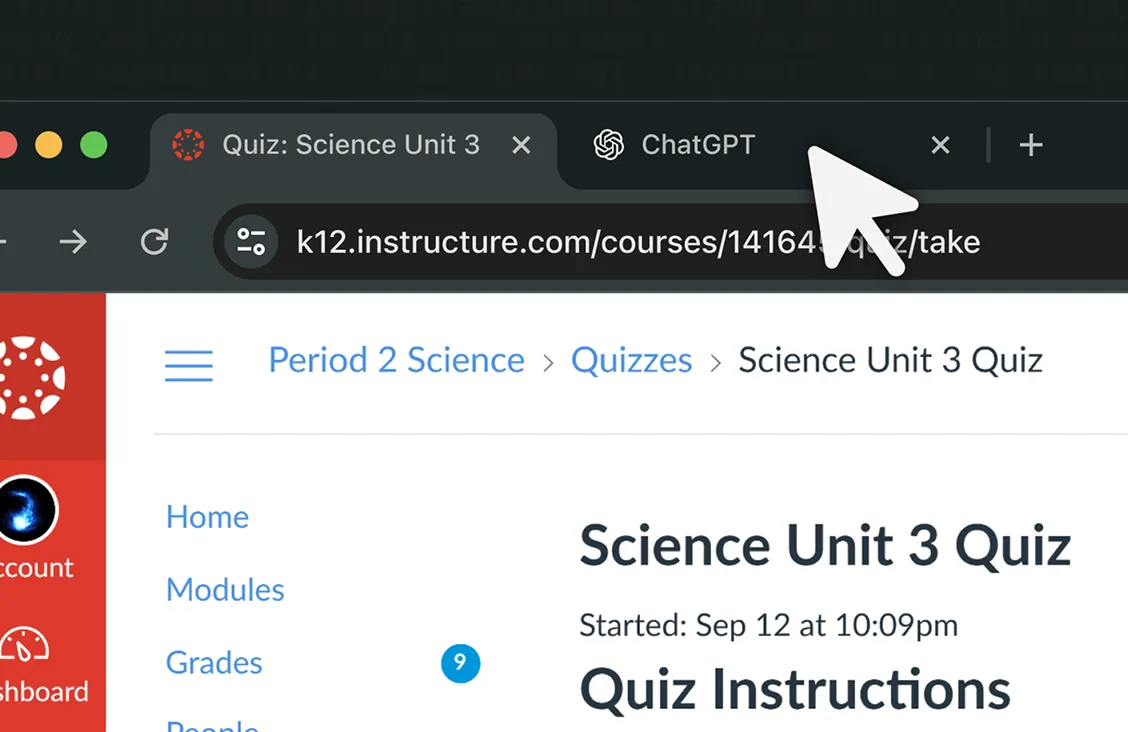
Open-resource means open-resource. But Canvas logs every tab switch as suspicious — even when your professor said the calculator is fine. CanvasEdge keeps your study workflow off the activity log, where it belongs.
Not a cheating tool — CanvasEdge never touches your answers or your grades.
Tab privacy · Smarter quiz review · Kiosk-compatible
What the activity log records
Same student. Two activity logs.
Canvas flags every tab switch as suspicious — even when your professor said the calculator is fine. CanvasEdge stops logging behavior that was never against the rules.
Started: Mon May 04, 2026 14:22:08 GMT+0800
Action Log — Without CanvasEdge
- 00:01Session started
- 00:03Viewed question:#1
- 00:03Suspicious: Left quiz tab
flagged as suspicious activity
- 00:06Resumed after leaving: Returned to quiz
- 00:09Answered question:#1
- 00:12Viewed question:#2
- 00:14Suspicious: Left quiz tab
flagged as suspicious activity
- 00:17Resumed after leaving: Returned to quiz
Started: Mon May 04, 2026 14:22:08 GMT+0800
Action Log — With CanvasEdge
- 00:01Session started
- 00:03Viewed question:#1
- 00:09Answered question:#1
- 00:12Viewed question:#2
- 00:16Answered question:#2
- 00:18Viewed question:#3
- 00:32Answered question:#3
- 00:38Viewed question:#4
- 00:45Answered question:#4
Sample comparison. Referencing your notes, calculator, or textbook on an open-resource quiz isn't suspicious. Your activity log shouldn't say it is.
Works everywhere Canvas does
Canvas LMS powers top universities worldwide — from Princeton to the University of the Philippines. CanvasEdge runs on every Canvas instance, including theirs.















Universities shown use Canvas LMS, the platform CanvasEdge runs on. CanvasEdge is an independent product, not affiliated with, sponsored by, or endorsed by these institutions or Instructure.
The toolkit
Three tools that give smart studiers an edge.
Built around how students actually study — open-resource quizzes, multi-attempt review, and the focus to actually get through them.
Tab Privacy
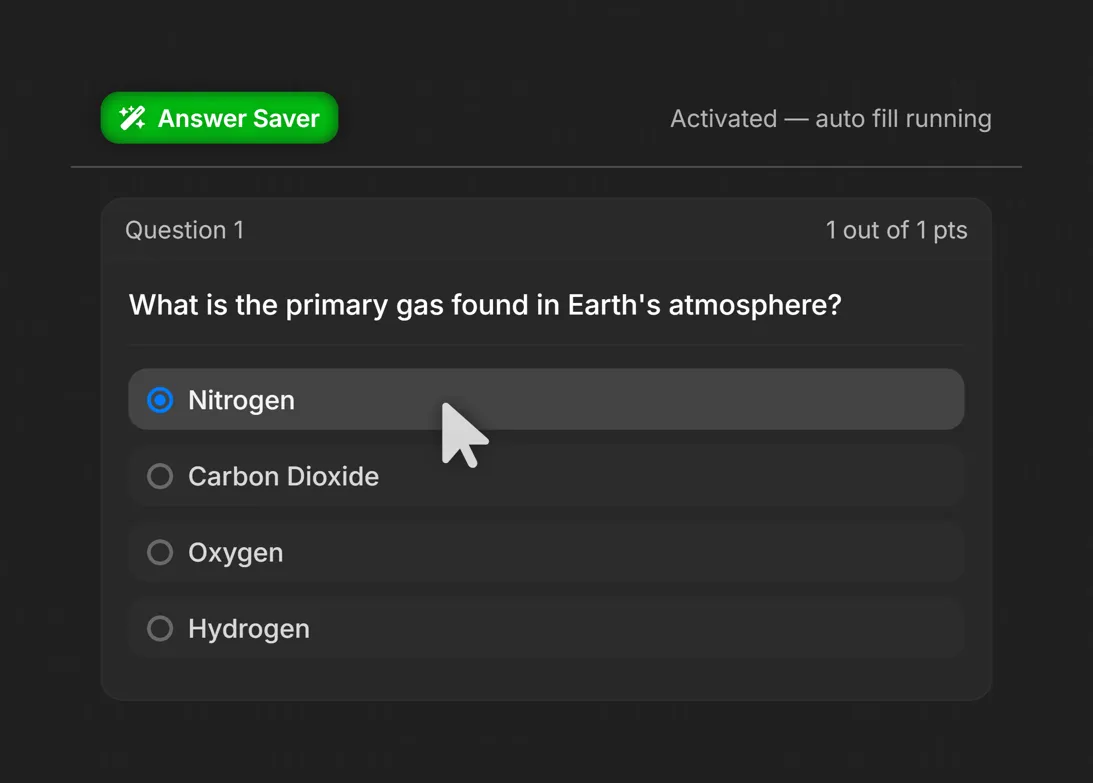
Quiz Review Assistant
Kiosk Compatibility
How it works
No mystery. Three steps to a quieter log.
Install, paste the key from your inbox, and study the way you already do. Nothing to configure, nothing left on the record.
-
Step 1: Install the extension
Add the CanvasEdge extension to Chrome in a couple of clicks. -
Step 2: Paste your license key
Emailed instantly after checkout. Activates up to 2 devices and re-validates every 24 hours, so you can move between them. -
Step 3: Study normally
Reference your notes, calculator, or textbook. Your workflow stays off the activity log.
Transparent pricing
Pick the plan that fits your study horizon.
One-time or monthly — no hidden fees, no upsells. Cancel monthly any time; lifetime access is yours. This price isn't a limited-time trick — $4.99/mo or $49.99 once is the whole menu.
- All focus, privacy, and study tools
- Up to 2 devices per license
- Cancel any time
- Email support
- Everything in Monthly
- Pay once, no recurring charges
- Free updates for the life of the product
- Best value for a 4-year program
Secure payment via Lemon Squeezy. License keys are emailed instantly.
Cancel monthly in one click · 2 devices per license · Email a real human.
Straight answers
Frequently asked questions
If something's still unclear, email support@canvasedge.xyz.
Get the edge. Keep it.
Install CanvasEdge once. Tab privacy, smarter quiz review, and focused sessions — for the rest of your degree.
Get CanvasEdgeCancel anytime. Two devices per license. Built by a student who answers email.